

Introduction
Running a small business means juggling many tasks, but billing stands out as key to keeping cash flowing. If you’re wondering how to do billing for a small business, you’re not alone. Many owners start with basic methods like spreadsheets, but as your venture grows, a solid system prevents errors and ensures timely payments. This guide breaks it down into easy steps, drawing from proven practices to help you set up efficiently. By the end, you’ll have actionable ways to handle invoices, track payments, and avoid common pitfalls.
What Is Billing in a Small Business?
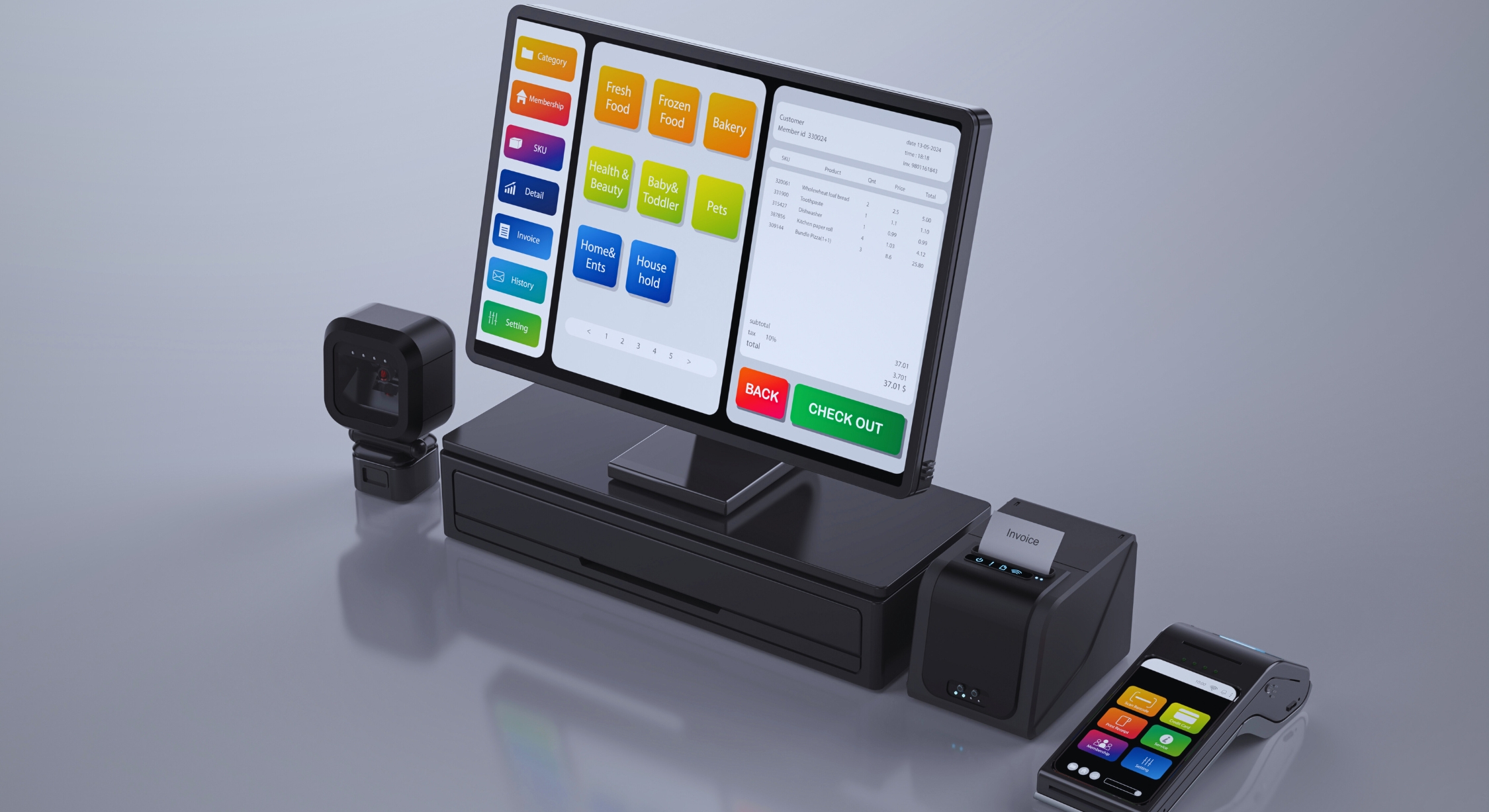
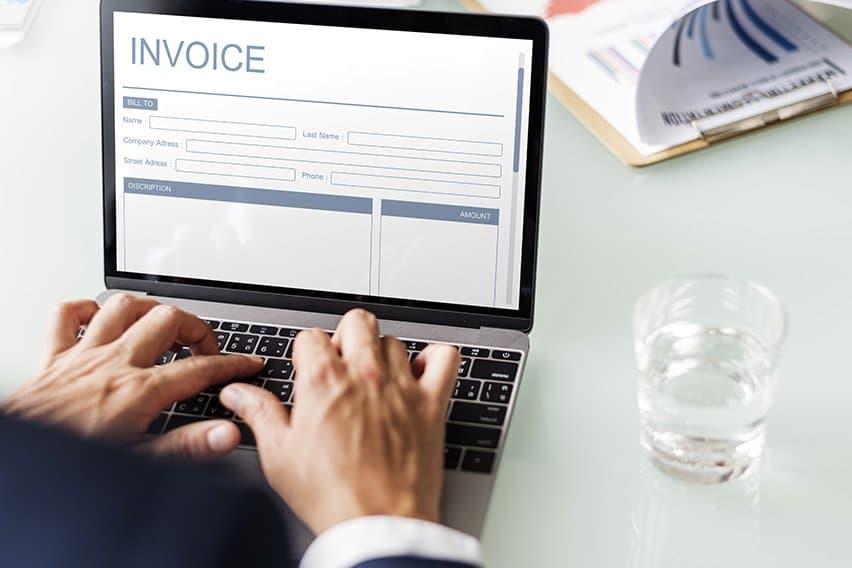
Billing refers to the process of requesting payment for goods or services provided. For small businesses, it includes creating invoices, sending them to clients, and following up on payments. Unlike large firms with dedicated teams, small owners often handle this themselves, making simplicity crucial.
Key parts include:
- Invoice creation: Detailing what was sold, prices, and terms.
- Payment collection: Accepting cash, cards, or digital transfers.
- Record-keeping: Tracking what’s paid and overdue for taxes and reports.
Accurate billing builds trust and supports growth. Studies show that 56% of small businesses deal with unpaid invoices, averaging $17,500 owed per firm. Setting it right from the start saves time and money.
Why Billing Matters for Small Businesses
Good billing practices directly impact your bottom line. Late payments affect 88% of small businesses, leading to cash flow issues that stall hiring or expansion. On the flip side, efficient systems reduce errors—manual data entry causes over 60% of invoice mistakes, costing firms thousands yearly.
Benefits include:
- Faster payments: Clear invoices get settled quicker.
- Better cash flow: Consistent billing helps predict income.
- Fewer disputes: Detailed records prevent arguments over charges.
- Tax ease: Organized data simplifies filing.
In 2026, with digital tools rising, mastering billing gives you a competitive edge, much like maintaining operational accuracy in other areas of your business.
Step-by-Step Guide: How to Do Billing for a Small Business
Setting up billing doesn’t need to overwhelm you. Follow these steps to create a reliable system.
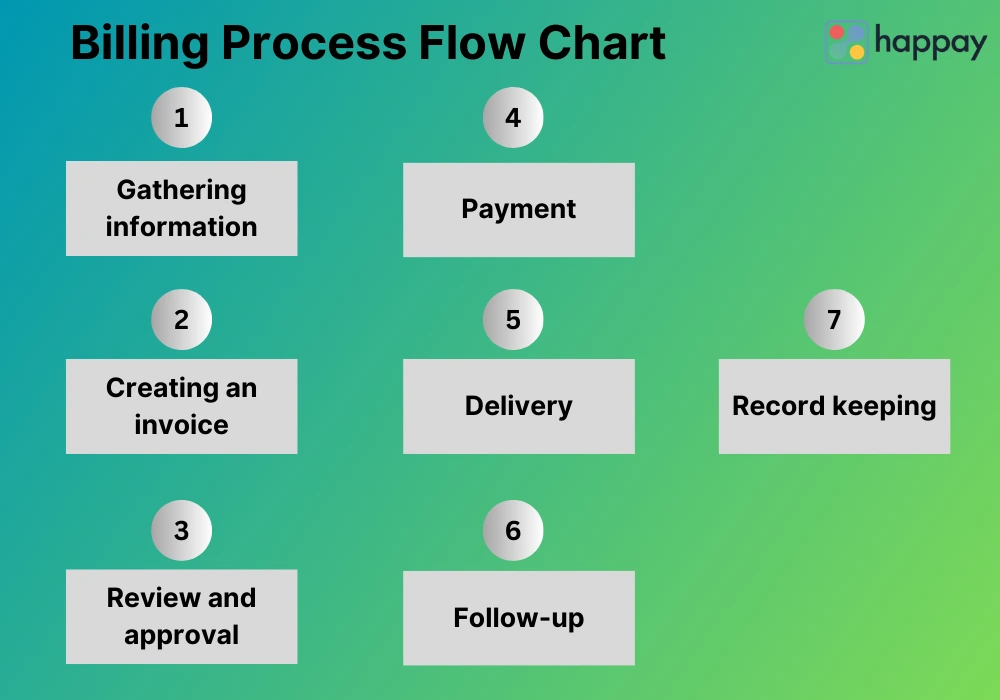
- Choose your method. Start simple with spreadsheets if you’re new, or jump to software for automation. Free options like Google Sheets work for basics, but tools save time long-term.
- Gather client details. Collect names, addresses, and payment preferences upfront. This avoids delays later.
- Set payment terms. Decide on due dates, like net 30 days, and include late fees to encourage promptness.
- Create invoice templates. Use standard formats with your logo, item descriptions, quantities, prices, and totals. Add tax if applicable.
- Issue invoices promptly. Send them right after delivery to keep momentum.
- Integrate payments. Link to processors like Stripe or PayPal for easy online pays.
- Track and follow up. Monitor due dates and send reminders for overdues.
- Record everything. Update books with payments received to maintain accuracy.
This process mirrors efficient workflows in high-ranking business guides, ensuring you stay organized.
Best Practices for Small Business Invoicing
To optimize, adopt these tips drawn from successful small business strategies.
- Invoice frequently. Bill at project end or milestones to avoid large sums building up.
- Make it professional. Clear, branded invoices build credibility.
- Automate reminders. Software can send chases, cutting manual work.
- Offer multiple payment options. Cards, ACH, or apps like Venmo appeal to more clients.
- Review regularly. Check for errors weekly to catch issues early.
One study notes that firms with immediate terms face 40% fewer cash flow problems than those with 90-day windows. These habits reduce the 39% error detection rate in manual processes.
Common Challenges and Solutions in Small Business Billing
Challenges arise, but solutions exist.
- Challenge: Late payments. 64% of small businesses have 90-day overdues.Solution: Set clear terms and automate follow-ups.
- Challenge: Errors in invoices. Manual entry leads to 20% higher costs.Solution: Use software for auto-calculations.
- Challenge: Tracking multiple clients. Solution: Centralize in one tool for easy oversight.
- Challenge: Tax compliance. Solution: Include tax fields and consult pros yearly.
Addressing these proactively, as seen in operational accuracy discussions, prevents bigger issues.
Top Billing Software for Small Businesses in 2026
In 2026, software makes billing seamless. Here are top picks based on features and ease.
| Software | Key Features | Pricing | Best For |
|---|---|---|---|
| QuickBooks | Invoicing, payments, reports | Starts at $30/month | All-around use |
| FreshBooks | Time tracking, estimates | From $19/month | Service-based |
| Zoho Invoice | Free tier, integrations | Free for basics | Budget-conscious |
| Square Invoices | Mobile-friendly, no fees for some | Free with processing fees | Retail |
| Invoice Ninja | Custom templates, recurring | Free/self-hosted | Freelancers |
QuickBooks tops lists for its simple invoicing. FreshBooks suits services with user-friendly interfaces. Choose based on your needs to automate and scale.
Real-World Examples and Statistics
Consider a freelance designer who switched to automated billing: Payments arrived 8 days faster on average. Or a retail shop using Square, reducing errors by 93% via digital tools.
Stats highlight the stakes:
- 86% of firms see 30% of sales overdue.
- Errors cost $39,000 yearly on average.
- 82% of failures tie to cash flow mishaps.
These examples show how proper billing turns potential losses into gains.
FAQs on How to Do Billing for a Small Business
What should I include on an invoice? Your name, client’s details, invoice number, date, items, prices, totals, and terms.
How often should I invoice? Right after service or weekly for ongoing work to maintain flow.
What’s the best free tool? Zoho Invoice offers solid features without cost for small volumes.
How to handle late payments? Send polite reminders and consider fees after grace periods.
Do I need software? For growth, yes—it cuts errors and saves time.
Conclusion
Mastering how to do billing for a small business involves clear steps, smart tools, and consistent practices to ensure steady income and fewer headaches. From setting terms to automating with software like QuickBooks, these methods build a strong foundation. Remember, accurate billing not only secures payments but also fosters client trust for long-term success.
What changes will you make to your billing process today?
References
- QuickBooks Small Business Late Payments Report – Provides stats on overdue invoices for small business owners managing cash flow.
- U.S. Chamber of Commerce on Cash Flow Disruptions – Insights for entrepreneurs facing payment delays.
- Resolve Pay on Invoice Errors – Details costs and detection rates for business managers.
- Forbes Advisor on Best Invoicing Software – Recommendations for small teams selecting tools.
- PCMag on Accounting Software – Reviews for service-based owners.
For more on operational accuracy, check Why Operational Accuracy Is a Competitive Advantage for Modern Businesses. Explore business resources for additional tips. If using AI for listings, see Best ChatGPT Prompt for Making Effective FB Marketplace Listings.
Generated Keywords
Secondary Keywords: small business invoicing, payment processing, expense tracking, invoice templates, billing automation.
LSI Semantic Keywords: managing cash flow, automated invoicing, error-free billing, client payment terms, tax-compliant records.
Long Tail Keywords: best free billing software for small businesses in 2026, steps to create an invoice for freelancers, how to automate billing reminders for better cash flow, common mistakes in small business billing and how to avoid them, benefits of using QuickBooks for small business invoicing.