If you run ads on Facebook, you know a verified Business Manager helps a lot. Many people search for how to buy verified Facebook Business Manager to skip limits and start fast. But buying from unknown sellers can lead to big problems like bans or lost money. This guide shows you safe paths. We look at real ways to get verified, plus risks of buying. We use facts from Meta and experts to keep it true.
First, let’s see what Facebook Business Manager is. It’s a free tool from Meta to manage pages, ads, and teams. Over 10 million advertisers use it each month. With 3 billion monthly users on Facebook, businesses can reach lots of people. But to run some ads or use full features, you need verification. That’s where “verified” comes in.
There are two main types: Business Verification and Meta Verified. Business Verification checks if your business is real. It’s free and needed for things like custom audiences or high-spend ads. Meta Verified is a paid plan that gives a blue badge to your page or profile. It costs from $14.99 a month and adds protection. If you want to “buy verified Facebook Business Manager?”, Meta Verified is the legal way to “buy” verification.
Why do people want verified ones? New accounts often face ad limits or reviews. Verified ones have higher trust scores, so ads run smoother. But buying pre-made ones from third parties breaks Meta’s rules and brings dangers.
Why Verify Your Facebook Business Manager?
Verification builds trust. Meta wants to stop fake businesses from running bad ads. A verified Manager lets you:
- Run ads without quick bans.
- Use advanced tools like WhatsApp API or developer features.
- Increase spend limits – some verified accounts can spend thousands a day without issues.
- Protect your brand from copycats.
Stats show why it’s key. Facebook ads reach over 2 billion people monthly. But without verification, you might hit roadblocks. For example, 90% of marketers use Facebook ads, but many face restrictions if not verified.
Businesses in e-commerce or retail see big wins. A verified Manager helps with targeted ads, leading to more sales. Think of it like a driver’s license – it proves you’re ready to drive safely.
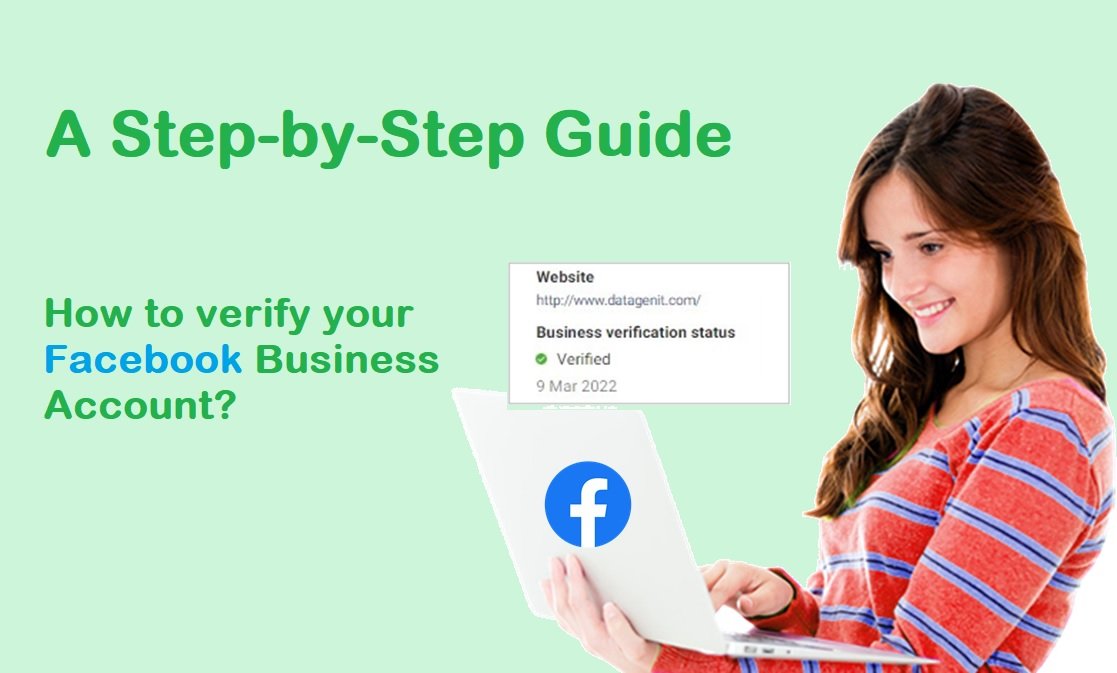
Meta says verification confirms you’re a legit business. It takes docs like your business name, address, and phone. Once done, you unlock more power.
But some skip this and try to buy verified Facebook Business Manager. That sounds easy, but it’s not. Next, we talk about the risks.
The Risks of Trying to Buy Verified Facebook Business Manager
Many sites offer to sell verified Managers. They promise USA-based, aged accounts ready for ads. But experts warn against it. Buying accounts breaks Meta’s terms of service. You risk permanent bans, lost money, and even legal trouble.
Here are key dangers in a list:
- Account Bans: Meta spots bought accounts fast. They check usage history and ownership. If it looks odd, they ban it. One study shows bought accounts harm trust and lead to bans.
- Security Threats: Sellers might keep access or add malware. Your data could leak. Online fraud costs billions – $206 billion by 2025 for payment fraud alone.
- Financial Loss: You pay $50 to $500 for an account, but it might get banned in days. No refunds often.
- Legal Issues: If the account was hacked or stolen, you could face laws. Identity theft reports hit over 441,000 in 2022 for credit fraud.
- Poor Performance: Bought accounts may have bad history, leading to low ad approval rates.
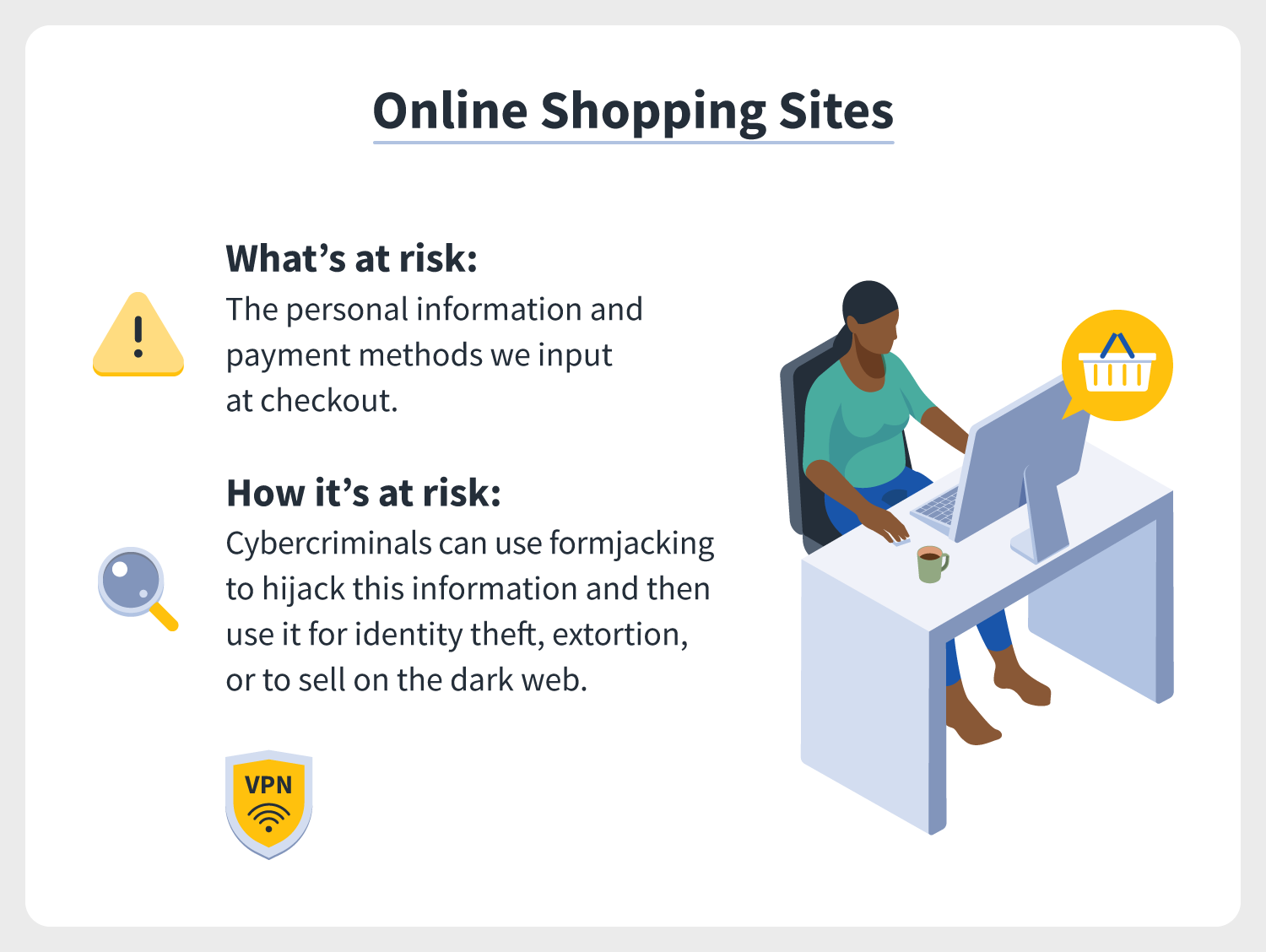
Illustration showing risks of online purchases, like data theft.
A Reddit user asked about bought verified accounts. Replies said it’s risky – bans happen quick, and benefits don’t last. Another site lists top dangers: trust loss, bans, and scaling issues.
Even if it works short-term, Meta updates rules. In 2025, they got stricter on fake docs. One forum post said out of many tries, only one verified BM worked – not worth it.
Fraud stats are scary. 13.5% of new online accounts are fake. Buying puts you in that mix. Instead, do it the right way. It’s free and safe.
How to Verify Facebook Business Manager the Legitimate Way
Don’t buy verified Facebook Business Manager. Verify your own. It’s easy if you have a real business. Meta’s process takes minutes to days.
Follow these steps:
- Set Up Your Business Manager: Go to business.facebook.com and create one if you don’t have it. Add your business info.
- Go to Security Center: In Meta Business Suite, find Security Center. Click “Start Verification” if eligible.
- Provide Details: Enter legal name, address, phone, website. Match your docs.
- Choose Method: Pick email, phone, text, WhatsApp, or domain verification. Email is fast.
- Submit Docs if Needed: Upload proof like business license or tax ID. Meta reviews in 1-3 days.
- Confirm: Get a code and enter it. Done!
![10 Step Guide To Get Meta Business Verification [Without WEBSITE]](http://www.interakt.shop/wp-content/uploads/2024/06/image9-5-768x409.png)
Screenshot of a verification step in Meta tools.
Eligibility: You need full control of the portfolio. If “Ineligible,” check why – maybe new account or no activity.
Tips for success:
- Use real business docs. Fakes get denied.
- Have a website? Verify domain for quicker process.
- If stuck, watch tutorials. One YouTube video shows it in 10 minutes.
This way is free. No risks. Once verified, your Manager gains trust. You can run ads better. For example, verified BMs have higher spend limits, key for scaling.
If you need a badge, consider Meta Verified next.
What About Meta Verified for Businesses?
Meta Verified is the paid way to “buy” verification. It’s for pages and profiles, not just the Manager. But it boosts your whole setup.
Benefits:
- Blue verified badge on your page.
- Protection from fakes – Meta removes imposters.
- Fast support – 24/7 chat.
- Extra features like links in Reels.
Plans start at $14.99/month for Standard. Higher ones like Max at $499.99 add more. Subscribe via Accounts Center.
To get it:
- Log into your professional account.
- Go to Meta Verified page.
- Check eligibility – need ID or selfie.
- Pay and verify.

Image of Meta Verified badges on business pages.
This is legit “buying” verified status. It helps brands look real. Creators and businesses use it to grow trust. With Facebook’s 253 million US users, a badge stands out.
Note: This differs from Business Verification. Do both for best results.
Tips for Using Your Verified Facebook Business Manager
Once verified, use it smart. Here are tips:
- Follow Rules: No spammy ads. Meta bans violators.
- Build Slowly: Start with small budgets. Ramp up.
- Monitor: Check ad performance. Adjust based on data.
- Secure It: Use two-factor auth. Share access carefully.
- Learn More: Check resources like business to mark for marketing ideas.
Stats show verified accounts perform better. 75% of social ad budgets go to Facebook/Instagram. With verification, you tap that fully.
If you face issues, Meta Help Center has guides.
FAQs on Buy Verified Facebook Business Manager
Is it safe to buy verified Facebook Business Manager? No. It risks bans and fraud. Use official methods.
How long does verification take? 1-3 days usually.
Do I need a website? No, but it helps with domain verification.
What’s the cost for Meta Verified? Starts at $14.99/month.
Can I verify without docs? Sometimes with email, but docs often needed.
Conclusion
To sum up, don’t rush to buy verified Facebook Business Manager from shady sellers. It leads to risks like bans and data loss. Instead, verify your own for free or buy Meta Verified for a badge. Follow steps, use real info, and build trust. This way, you run ads safely and grow your business.
What challenges have you faced with Facebook ads? Share in comments to help others.
References
- Meta Business Help Center on Verification: , , ,
- Risks and Stats: , , , , , –
- Meta Verified: , ,
- Usage Stats: –
- Audience: Businesses and marketers using Meta tools for ads and growth, based on platform data showing high engagement among 25-44 year olds and 10M active advertisers.