
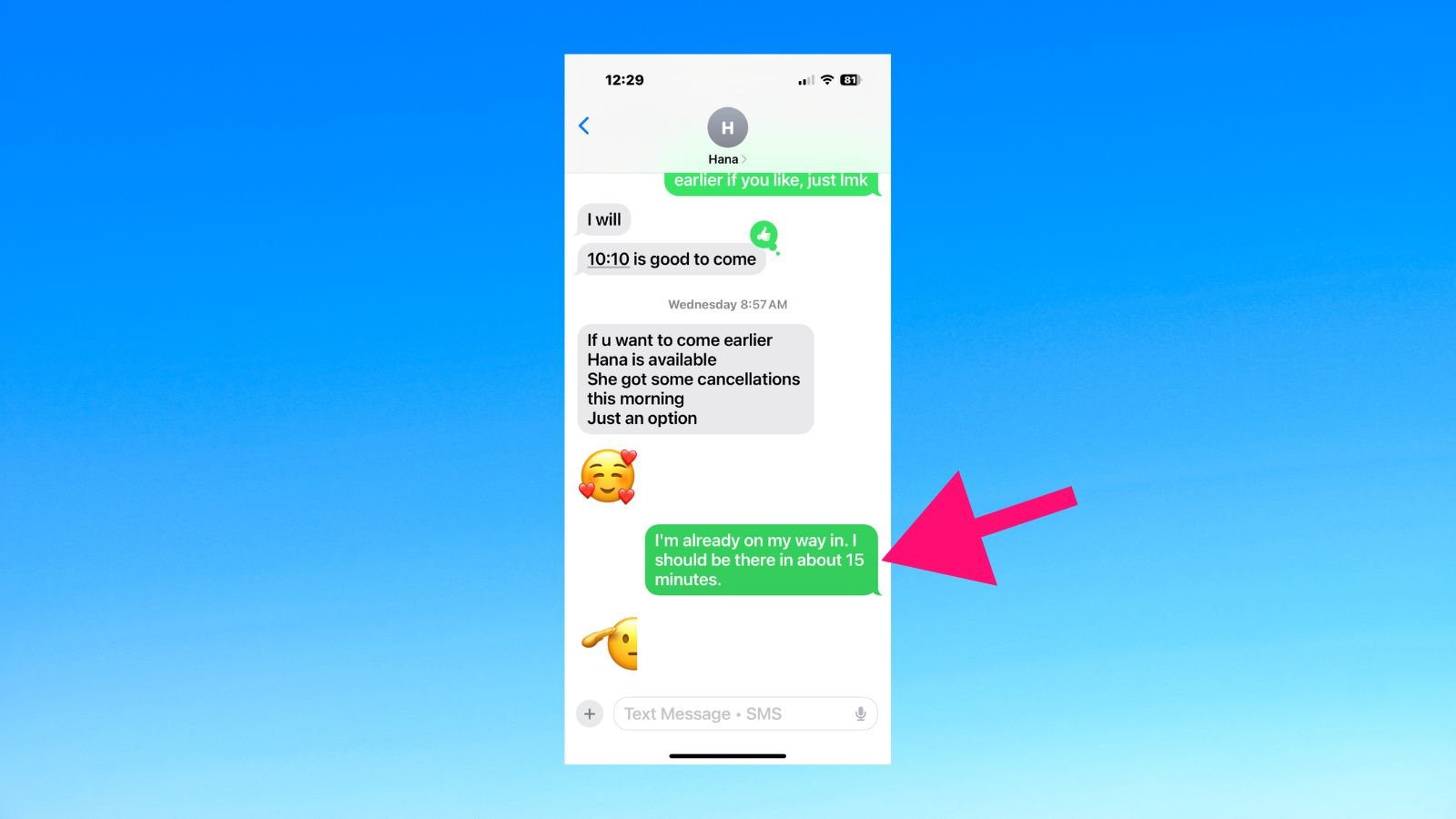
Have you ever sent a message and wondered why there’s no reply? Or why a friend’s profile looks different? Many people face this on apps like WhatsApp or Instagram. In this guide, you’ll learn how to know if someone blocked you. We’ll cover the main signs on top platforms. This helps you spot blocks without guessing. It’s normal – about 17% of U.S. adults have unfollowed or blocked someone due to shared content, per Pew Research. Don’t worry; we’ll keep it simple and show you what to do next.
Why People Block Others
People block for many reasons. It might be to avoid arguments or protect privacy. On apps, blocking stops contact. It hides profiles, messages, and updates. But it’s not always personal. Sometimes, it’s about space. Knowing the signs lets you move on fast. Let’s start with WhatsApp, a top messaging app with over 3 billion users.
How to Know If Someone Blocked You on WhatsApp
WhatsApp is popular for chats and calls. If blocked, you see changes. Check these signs step by step. They often happen together for sure proof.
Bold key steps:
- Check last seen and online status. Open the chat. Look under their name. If it says “last seen” or “online” before but now nothing, it might be a block. But some hide this in settings.
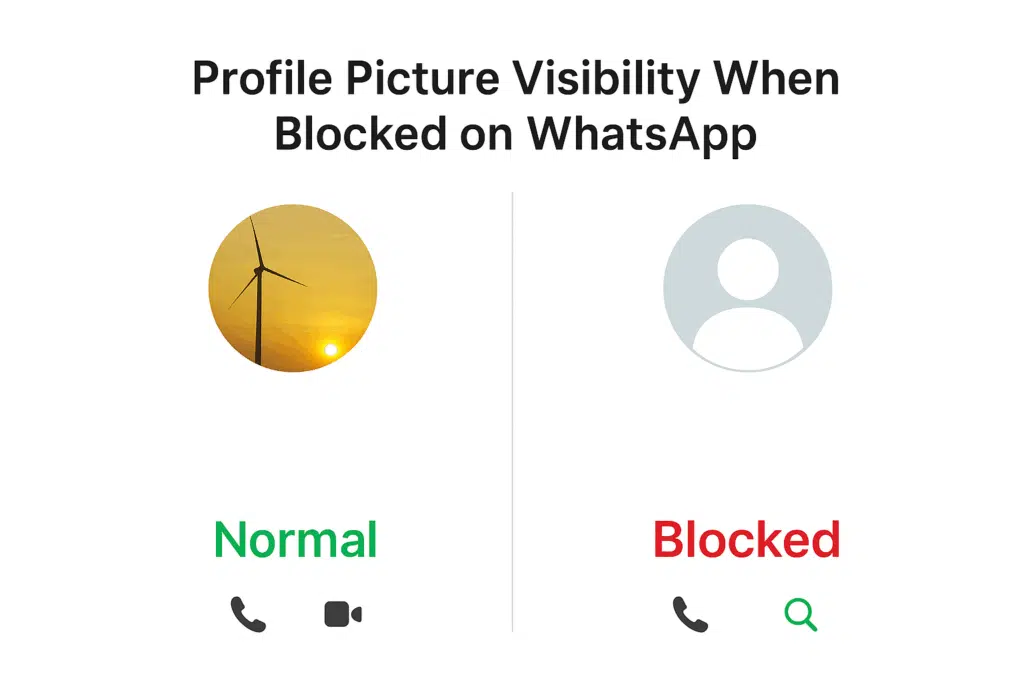
- Look at profile picture. Tap their name. If the photo is gone or stuck on an old one, that’s a clue. Blocked users don’t see updates.
- Send a message. Type something. See the ticks. One gray tick means sent but not delivered. Two ticks mean delivered. Blue ticks mean read. If it stays at one tick forever, likely blocked.
- Try a call. Hit the phone icon. If it rings but never connects, or goes straight to busy, check for block.
- Add to a group. Make a new group. Try to add them. If you can’t, that’s strong proof.
These signs match WhatsApp’s help center. For example, messages show one check mark if blocked. Test with a friend to compare. If all match, you’re probably blocked. Remember, phone off or no internet can mimic this short-term.
If you need more WhatsApp help, like scheduling messages, check resources online.
How to Know If Someone Blocked You on Instagram
Instagram focuses on photos and stories. Blocks hide everything. Here’s how to spot one.
Bold key terms:
- Search for their profile. Use the search bar. Type their username. If nothing shows, or it says “user not found,” check for block. Deactivated accounts look similar.
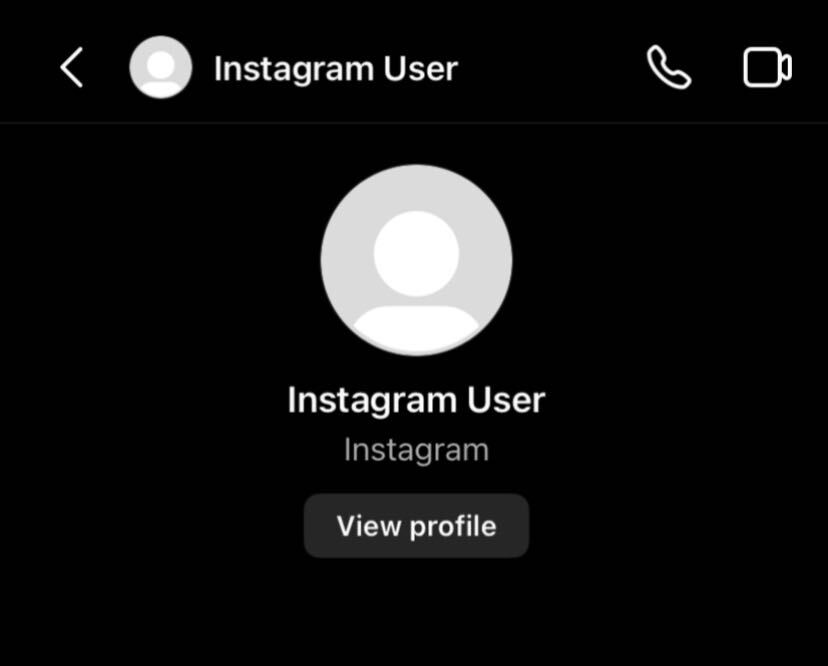
- Check from DMs. Open old messages. Tap their name. If it says “Instagram User” with no photo or posts, likely blocked.
- See post count. If you find the profile but see “No Posts Yet” and zero followers, while others can view it, you’re blocked.
- Try to follow or message. Hit follow. If it fails or messages don’t send, that’s a sign.
- Use another account. Log in with a different profile. If you see their posts there, confirm the block.
About 1 in 5 users has faced this, per online forums. Blocks stop likes, comments, and tags too. If private, you won’t see anything.
How to Know If Someone Blocked You on iMessage
iMessage is for Apple users. It uses blue bubbles for iPhone chats. Blocks change this.
Bold steps:
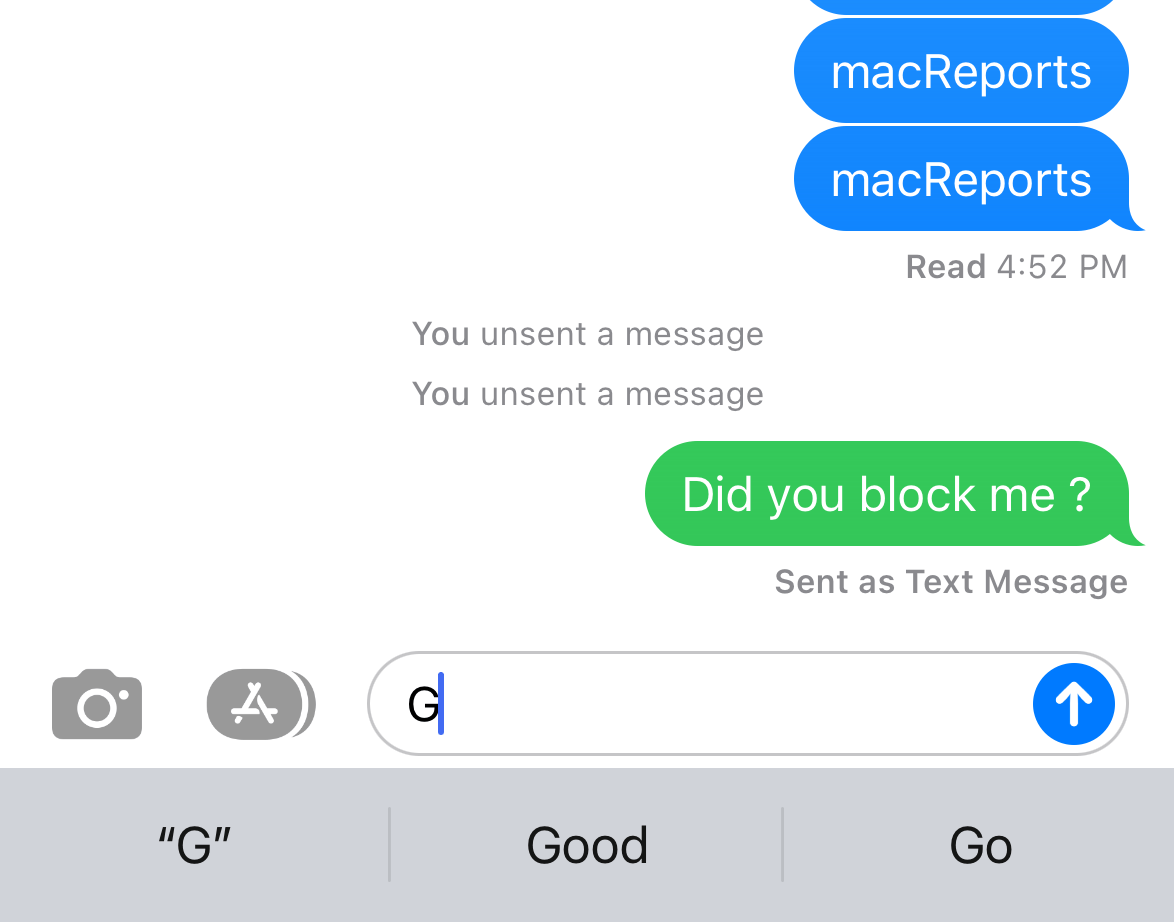
- Look at bubble color. Send a text. Blue means iMessage. Green means SMS. If it switches to green suddenly, possible block.
- Check delivery status. Under your message, see “Delivered” or “Read.” If nothing shows, or it says “Not Delivered,” test for block.
- Make a call. Dial them. If it rings once then voicemail, or no ring, they might block you.
- Send from another number. Use a friend’s phone. If it goes blue and delivers, you’re blocked on yours.
From Apple communities, like this discussion, no “Delivered” often means blocked. But Do Not Disturb or no signal can cause it too.
How to Know If Someone Blocked You on Facebook
Facebook connects friends. Blocks remove all ties.
Bold indicators:
- Search their name. Use the search. If no profile shows, or it says “content unavailable,” check block.
- Check friends list. Go to your friends. If they’re gone, possible block.
- Try messaging. Send a note. If it says “Message Not Sent” or “person isn’t available,” likely blocked.
- Look at old posts. If tags or comments vanish, that’s a clue.
- View from browser. Log out. Search their profile. If public and visible, but not when logged in, blocked.
Stats show many blocks happen after disputes. Facebook doesn’t notify, so these checks help.
How to Know If Someone Blocked You on X (Formerly Twitter)
X is for quick posts. Blocks are direct.
Bold signs:
- Visit their profile. Search and open it. If it says “You’re blocked,” that’s clear.
- Check interactions. Try to like or reply. If blocked, you can’t.
- See their posts. You might view public ones, but no follows or DMs.
- Use URL. Type twitter.com/username. Block message appears if true.
X changed blocks in 2024. Blocked users can see posts if public, but can’t interact. Per X help, no alerts sent.
Common Mistakes When Checking for Blocks
Don’t jump to conclusions. Poor internet can look like a block. Or privacy settings hide info. Test over days. Use multiple ways. If signs match, accept it. Blocks are common – over 20% of young adults have done it, per surveys.
What Happens When You’re Blocked
Blocks vary by app:
- WhatsApp: No calls, messages stuck.
- Instagram: Profile hidden.
- iMessage: Texts as SMS.
- Facebook: No contact.
- X: View but no engage.
You can’t unblock yourself. Respect their choice.
Tips to Avoid Being Blocked
Be kind online. Don’t spam. Respect boundaries. If blocked, reflect. Use privacy tools yourself. For example, on WhatsApp, adjust who sees your last seen.
Link to related: If privacy worries you, learn how to delete WhatsApp account safely.
Statistics on Social Media Blocking
Blocking rises. Pew says 1 in 6 Americans block due to religion posts. In workplaces, over half block social access, but it hurts productivity. Global trends show more blocks in places like Turkey. Africa sees many shutdowns. These stats highlight why understanding blocks matters.
Alternatives If Blocked
Move on. Focus on positive ties. Use other apps. If needed, apologize via email. But don’t harass – that’s against rules.
FAQs
How to know if someone blocked you without messaging? Check profile changes like no photo or status.
Can blocks be undone? Yes, but only by the blocker.
Does blocking affect old messages? Usually not; you see them, but no new ones.
How to know if someone blocked you on multiple apps? Look for patterns across platforms.
Is there an app to detect blocks? No official one; use signs above.
In conclusion, spotting how to know if someone blocked you involves checking profiles, messages, and calls. We’ve covered WhatsApp, Instagram, iMessage, Facebook, and X. Remember, it’s often not about you. Stay positive. Have you checked these signs before? What was your experience?
References
- WhatsApp Help Center: Being blocked by someone. https://faq.whatsapp.com/666362298345682
- Instagram Help: What happens when you block someone. https://help.instagram.com/447613741984126
- Apple Community: Will an iMessage show delivered if blocked? https://discussions.apple.com/thread/255395213
- Pew Research: One-in-six Americans block due to content. https://www.pewresearch.org/short-reads/2023/06/21/one-in-six-americans-have-taken-steps-to-see-less-of-someone-on-social-media-due-to-religious-content
- Statista: Social media stats. https://www.statista.com/topics/11495/social-media-content-moderation-and-removal